Stop the Headaches.
Start Taking Breaks.

Break reminders every 20 minutes, so you end the day with energy left

Pausitive follows the 20-20-20 rule: every 20 minutes, look 20 feet away for 20 seconds. Most users report fewer headaches within the first week.

Break every 20 min
Fewer headaches in 1 week
3-day free trial
$25 one-time, use forever

No credit card needed  ·  Windows & macOS  ·  $25 one-time after trial
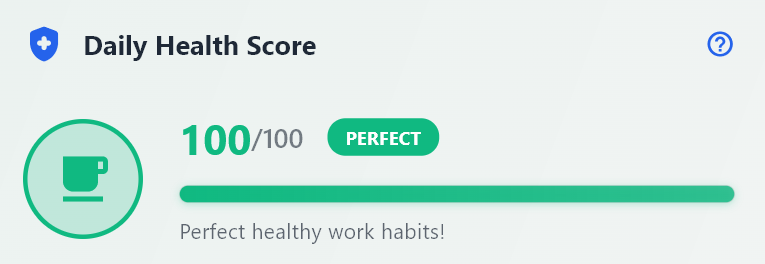
Pausitive Health Score Dashboard
Get the highest score for your health
Real-time health tracking and break optimization

Why Choose Pausitive?

Customizable Timer

Fully customizable timer settings for screen time, break duration, and snooze options to fit your workflow.

✓ Timer duration
✓ Break length
✓ Snooze duration
✓ Skip & snooze limits

Break Activities

Curated break activities including stretches, breathing exercises, and mindfulness practices.

✓ Eye exercises
✓ Stretching guides
✓ Breathing techniques
✓ Quick walks

Flexible Controls

Full control over your break experience with skip and snooze options when you need them.

✓ Allow skips
✓ Allow snooze
✓ Set skip limits
✓ Set snooze limits

Startup at Launch

Automatically starts with your computer to ensure you never miss healthy break reminders throughout your workday.

Idle Detection

Automatically detects when you take natural breaks and pauses timers accordingly, creating a seamless experience.

Health Score

Track your daily screen time health with personalized insights and see how well you're maintaining work-life balance.

Light & Dark Mode

Switch between light and dark themes to match your preference and reduce eye strain during different times of day.

Multi-Screen Support

Seamlessly works across all your monitors. Break reminders appear on your active screen for maximum visibility.

How It Works

1

Install & Setup

Download Pausitive and customize your break preferences. Set your work schedule and break frequency.

2

Work Focused

Focus on your work while Pausitive runs in the background and will remind you when it's time to take a break.

3

Take Breaks

Receive gentle reminders with suggested activities. Choose from stretches, breathing exercises, or quick walks.

Real Health Benefits You'll Feel

Pausitive follows evidence-based practices like the 20-20-20 rule to protect your health while you work

👁️

Reduce Eye Strain

Follow the 20-20-20 rule automatically. Look at something 20 feet away for 20 seconds every 20 minutes to prevent digital eye strain.

✓ Prevents dry eyes ✓ Reduces blurred vision ✓ Stops headaches
🦴

Prevent RSI & Back Pain

Regular movement breaks help prevent repetitive strain injuries and maintain good posture throughout your workday.

✓ Reduces neck tension ✓ Prevents wrist strain ✓ Improves circulation
🧠

Boost Mental Clarity

Short breaks improve focus, creativity, and decision-making while reducing stress and preventing burnout.

✓ Increases productivity ✓ Reduces stress ✓ Improves mood

Backed by Science

Pausitive's break recommendations are based on research from the American Optometric Association and Mayo Clinic guidelines for computer eye strain prevention.

20-20-20
Rule Implementation
15-30min
Recommended Break Intervals

See It In Action

Experience the full range of Pausitive's productivity features

Pausitive Daily Timeline

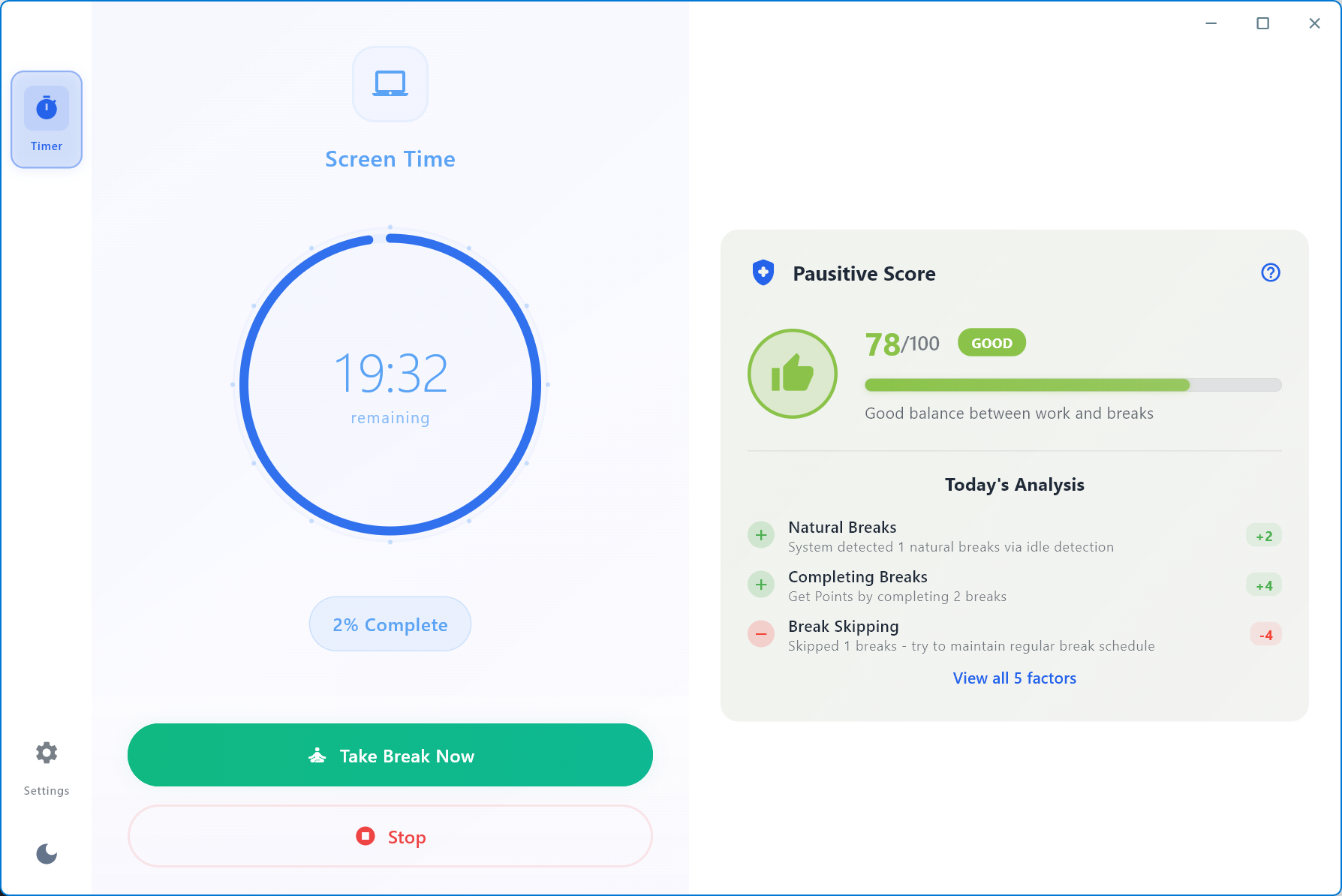
Health Score

How healthy is your screen time? See it with your personal Score

Pausitive Daily Timeline

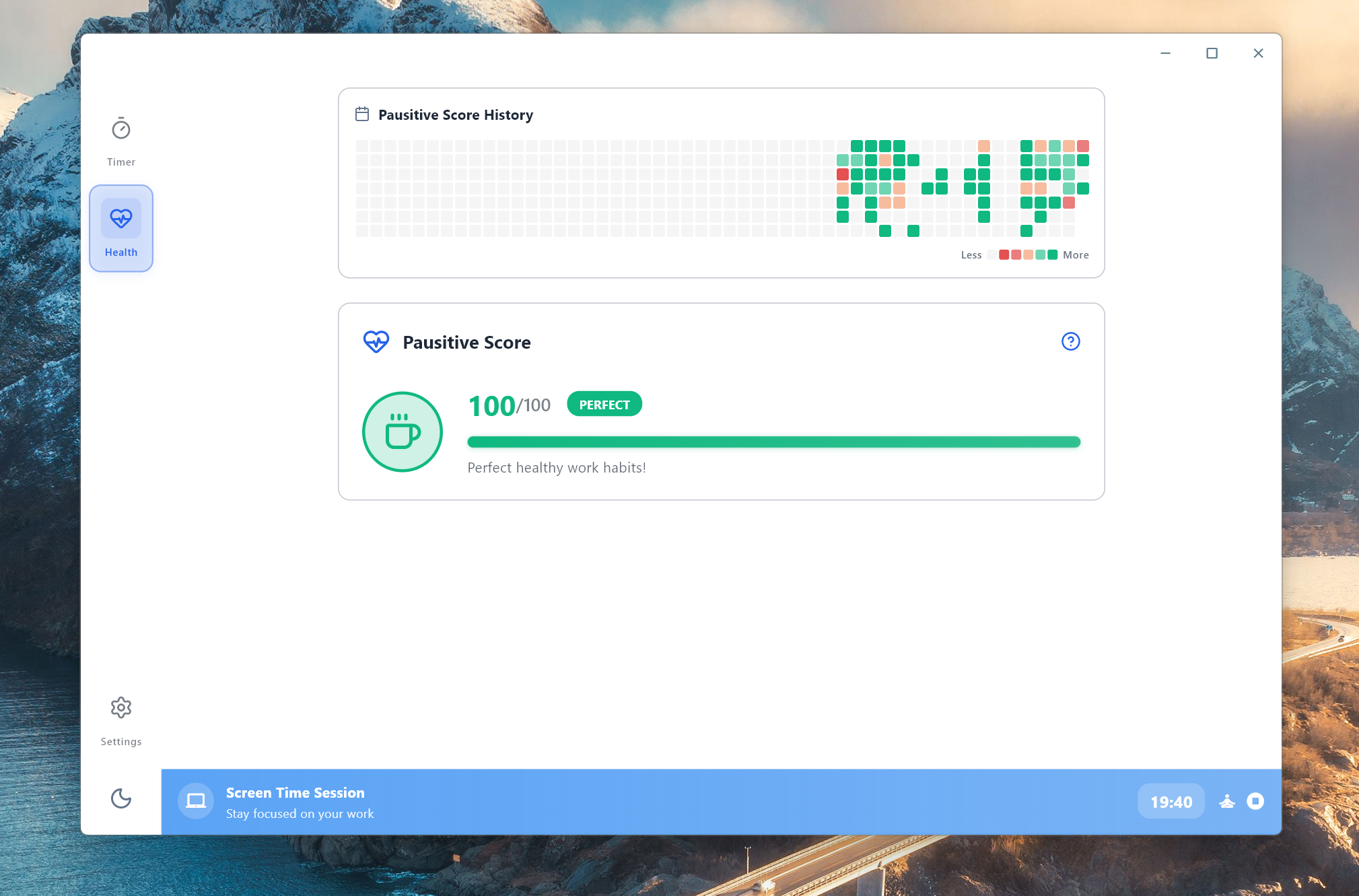
Activity Heatmap

Monitor your healthscore with a tile-based heatmap, try to keep it green!

Pausitive Break Timer

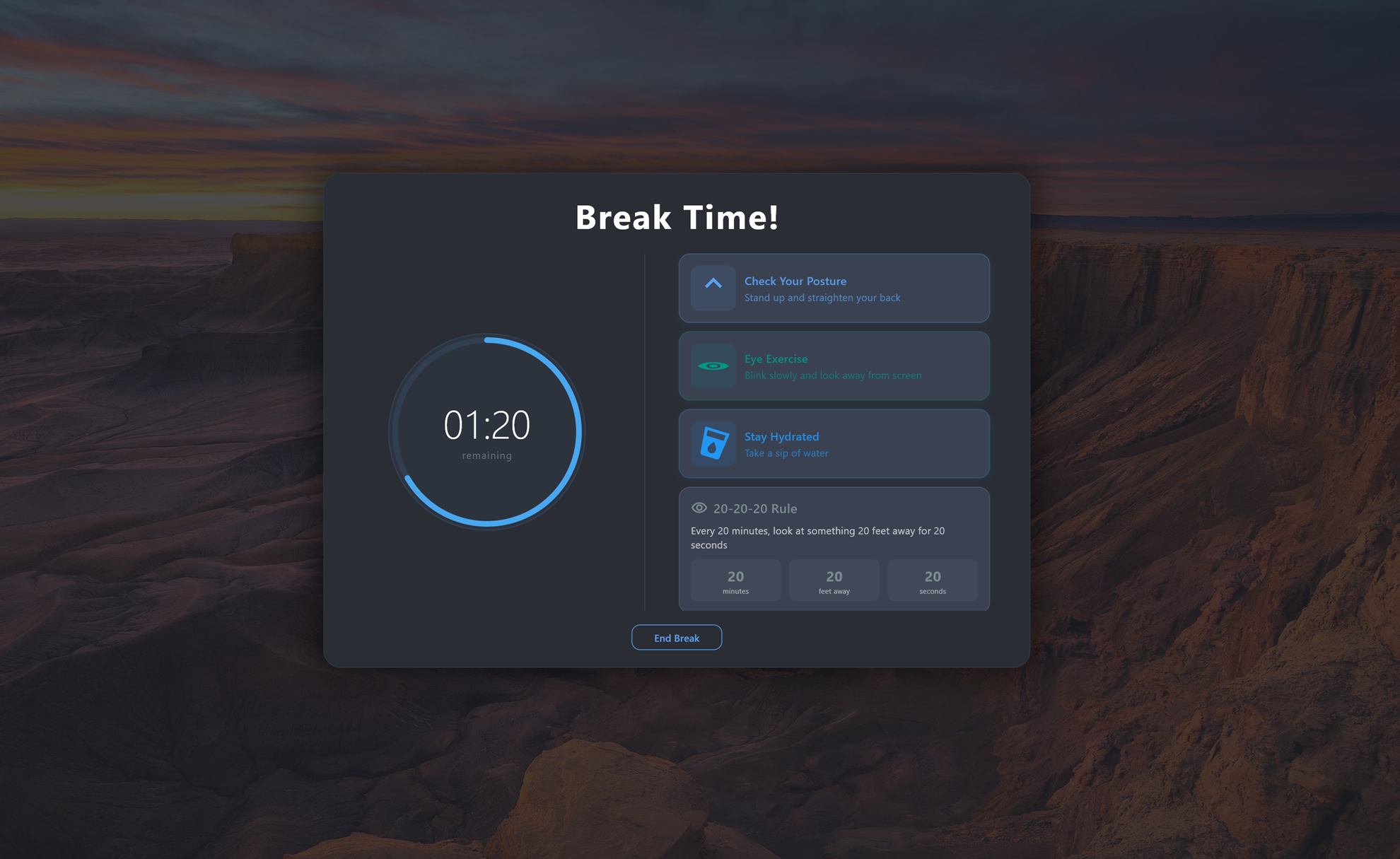
Smart Break Timer

Break Timer activated, with some exercise suggestions to do in the mean time

Pausitive Dark Mode

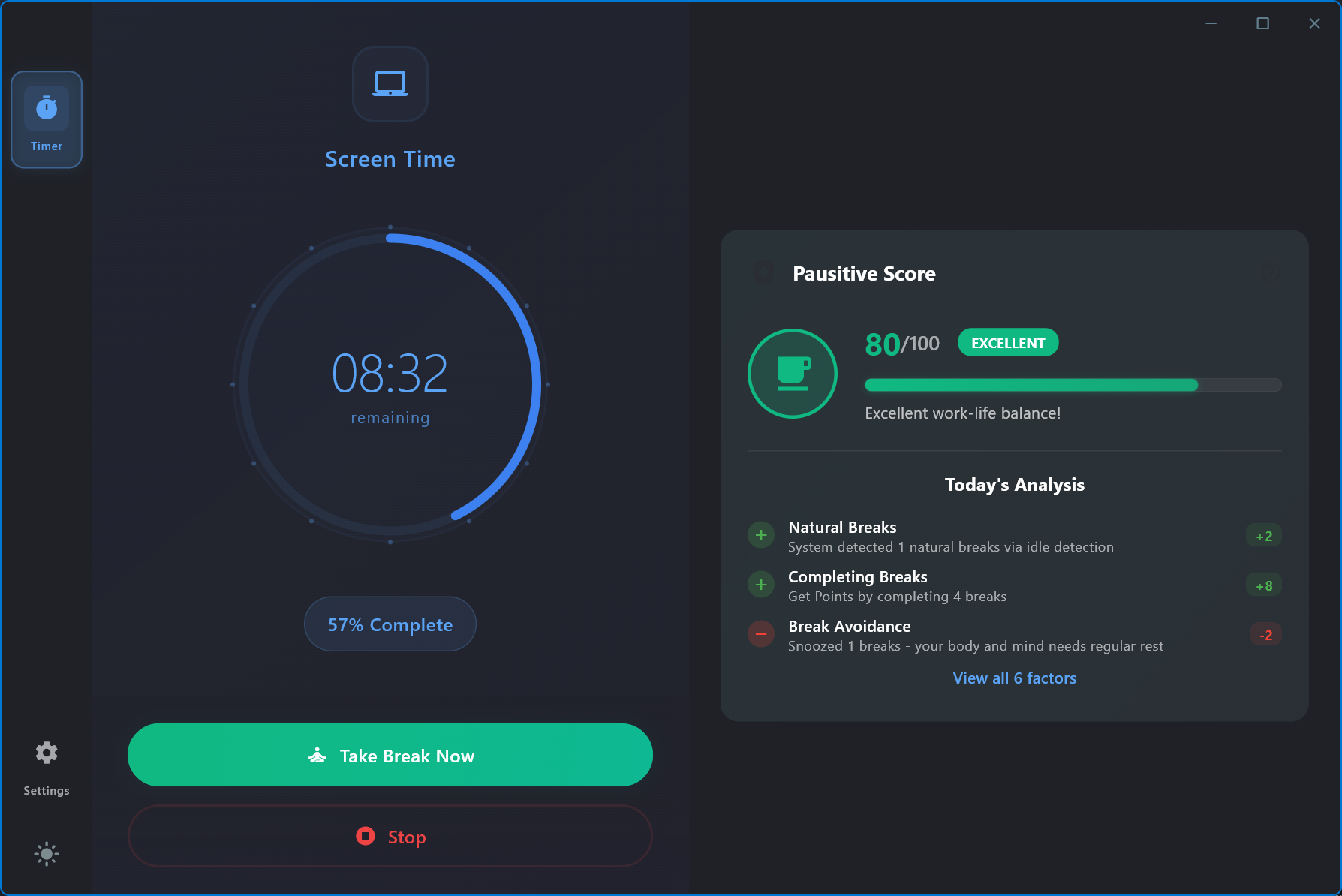
Dark Mode

Beautiful dark theme for comfortable usage during evening hours

You've been staring at a screen
for 6+ hours today.

Your eyes are dry. You have a dull headache behind your forehead. Your shoulders are tight. You've told yourself you'll take a break "in 5 minutes" at least 10 times today.

Pausitive takes that decision off your plate entirely.

Frequently Asked Questions

What is the 20-20-20 rule?

Every 20 minutes, look at something 20 feet (6 meters) away for at least 20 seconds. It relaxes the eye muscles that stay contracted during screen focus and is a widely recommended technique against digital eye strain. Pausitive automates the reminders so you actually stick to it. Learn more →

Why do I get headaches from my computer screen?

The most common causes are eye muscle fatigue from uninterrupted close-up focus, reduced blinking (dry eyes), neck tension from static posture, and screen glare. Regular breaks address all four, which is exactly what Pausitive reminds you to take. Learn more →

Is Pausitive a one-time purchase or a subscription?

One-time purchase: $25 for one seat or $38 for two seats. No subscription, and future updates are included. See pricing →

Does Pausitive work on Windows and macOS?

Yes. Pausitive runs on Windows 10 and 11 (installer or portable) and on macOS 13 and later. Go to downloads →

Is there a free trial?

Yes, a 3-day free trial with all features included. No credit card required. Start the trial →

Ready to Transform Your Work Breaks?

Join thousands of users who've improved their productivity and well-being with Pausitive.

No credit card needed  ·  $25 one-time after trial  ·  Use forever